
WordPress Sandbox
in One Click
Free disposable WordPress sites — ready in seconds.
No credit card · 2h lifetime · Fully isolated
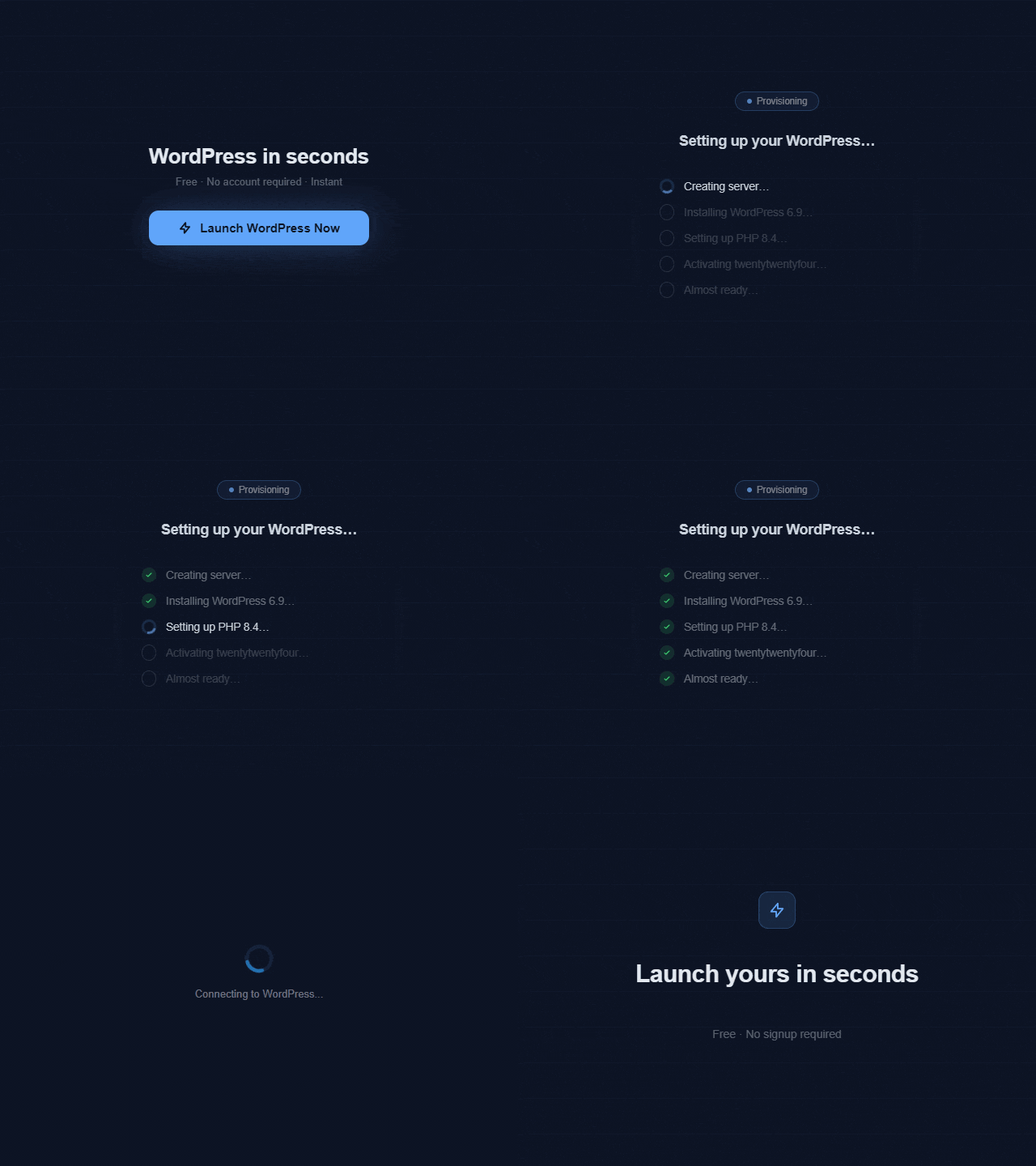
- Real WordPress
- Admin URL, username, and key are generated for every sandbox.
- Configurable stack
- Pick PHP, WordPress version, plugins, themes, and lifetime.
- Shareable by default
- Every sandbox gets a temporary *.wprun.site site URL.
- Built for demos
- Launch URLs work from docs, READMEs, support tickets, and QA notes.
Tell AI. Get a live WordPress.
Connect Claude or Cursor via MCP (Pro & Agency) — your agent builds the site and hands you a live link.
Use cases
Pick the right sandbox for the job
Plugin Developers
DevelopmentGive users a live plugin demo without asking them to install WordPress, create hosting, or risk their own site.
Theme Authors
DesignLet buyers edit pages, check responsive behavior, and test the real wp-admin experience instead of judging screenshots.
Agencies
Client workCreate a clean client demo or stack test without maintaining disposable hosting accounts.
Educators
EducationGive every student a fresh WordPress site without billing, server management, or cleanup work.
Support Teams
SupportReproduce bugs on a fresh baseline, share the URL, and keep production environments out of troubleshooting.
Why WPRun
What you get after launch
- No signup required
- Start from a clean install without creating an account.
- Full wp-admin access
- Open the dashboard with generated admin credentials.
- Choose PHP version
- Check behavior across PHP 8.1-8.5.
- WP-CLI pre-installed
- Run WordPress commands when you need deeper testing.
- Auto-cleanup after 2h
- Instant sandboxes expire automatically after 2 hours.
- Shareable site URL
- Send a temporary site link to a teammate, client, or customer.
For developers
Turn your README into a live demo
Add a "Try on WPRun" button to your plugin README or docs. Visitors land in a real WordPress sandbox instead of a long install guide.
wp.run/new?plugin=woocommerce&theme=flavor
wp.run/new?php=8.4&wp=6.9[](https://wp.run/new?plugin=your-plugin-slug)Preview — GitHub README
My Awesome Plugin
A powerful WordPress plugin for managing your content.
Installation · Usage · Contributing →
Knowledge
WordPress testing guides
How to Test for Plugin Conflicts in WordPress
Isolate a WordPress plugin conflict in a clean, disposable sandbox by activating plugins one at a time — then share the result URL as proof, without touching your live site.
Read guide WooCommerce extension testHow to Run a WooCommerce Extension Test Without a Real Store
Run a WooCommerce extension test in a sandbox: install an add-on, configure it, and check product, cart, checkout, and order behavior safely.
Read guide test WordPress theme before buyingHow to Test a WordPress Theme Before Buying It
Try a premium WordPress theme in a disposable sandbox before you pay — test the Customizer, page builder, demo content, and required plugins without touching your live site.
Read guideNeed sandboxes that last longer?
A guest sandbox is gone in 2 hours — sign in free and it's six. Paid plans keep it for two days or a week, and let you run more at once.
Free
One sandbox at a time, six hours each. No card, no commitment.
Pro
Three sandboxes at once, two days each. Agency raises that to ten for a week.